Appearance
Viewport
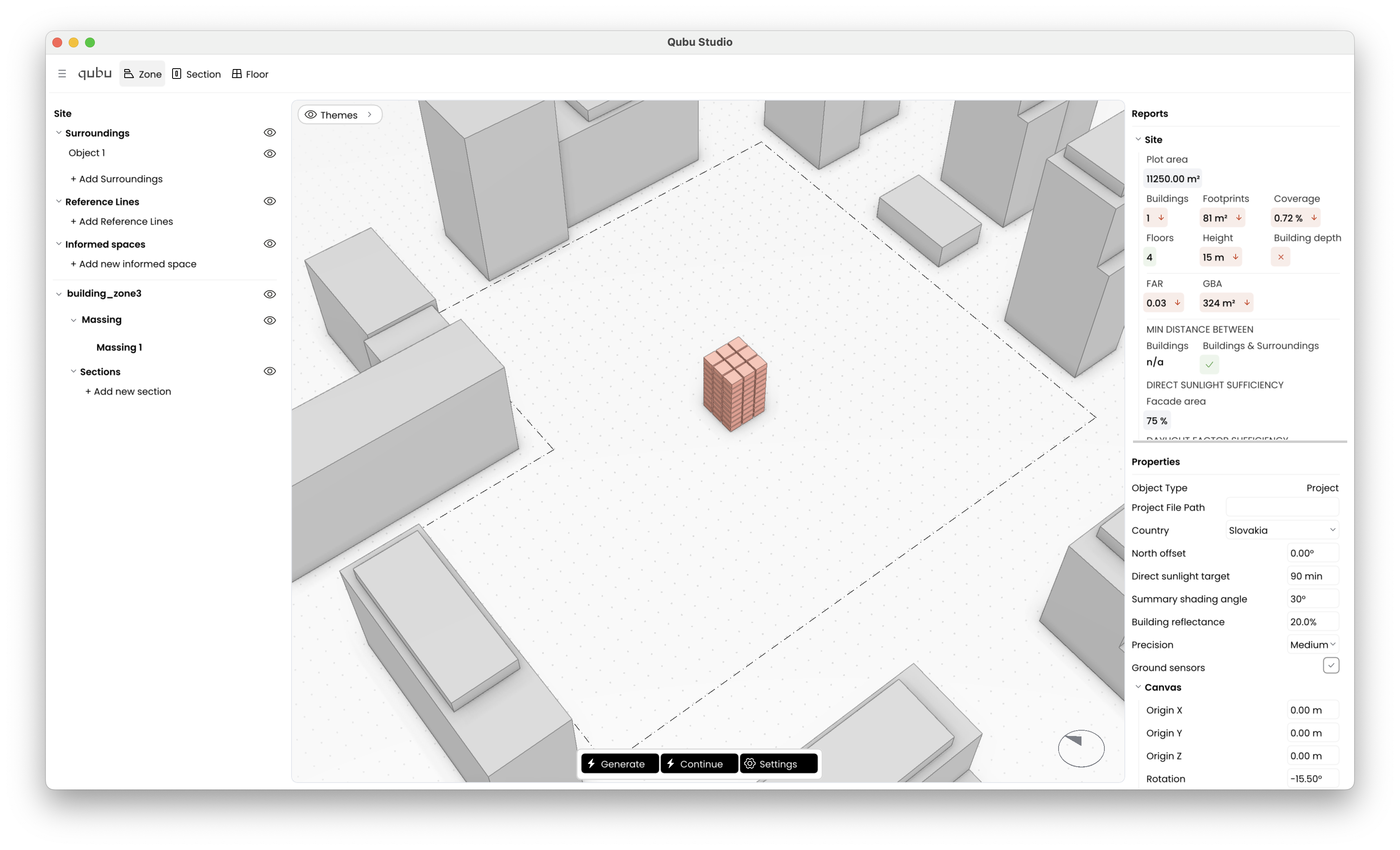
Viewport
The viewport shows the current site scene, including massing geometry, surroundings, and active daylight visualization overlays. In the screenshot, the scene includes generated building volumes, surrounding context objects, the active Themes panel, and the daylight analysis pattern drawn across the visible ground and facades.
Viewport navigation
- right-drag: orbit
- Shift + right-drag: pan
- right-drag with command/control: target zoom
- mouse wheel: zoom
- smooth scroll in ortho view: pan
- smooth scroll in perspective view: rotate
- pinch: zoom
- F: fit the scene in view
- T: switch to top view
Compass
The compass is shown in the bottom-right of the viewport.
Use it with North offset:
- the compass is the visual reference,
- North offset rotates solar north relative to the scene,
- wrong north means wrong daylight interpretation.